
DSC-BRAIN USER GUIDE · HOW IT WORKS
Who is in charge and rolling back
The Control screen shows, for each device class, who is in charge: today’s path, or the planner. It lists the evidence needed before a class can be handed to the planner, and gives a one-tap rollback that is never shown as done until it is seen.
● Running on our test kit: 9.10.0 · kit firmware 9.0.0.0 · last report 22 Oct 2026
Status: Not in control yet, for every class. The screen is live. The hub’s own control still runs the room.
On this page
Where to find it
In Settings, in the Advanced row, choose “Who is in charge”. The page is headed “Control · who is in charge”. It shows the source and how old the read is, for example “Source: brain cut-over table · read 3 s ago”. It refreshes every five seconds.
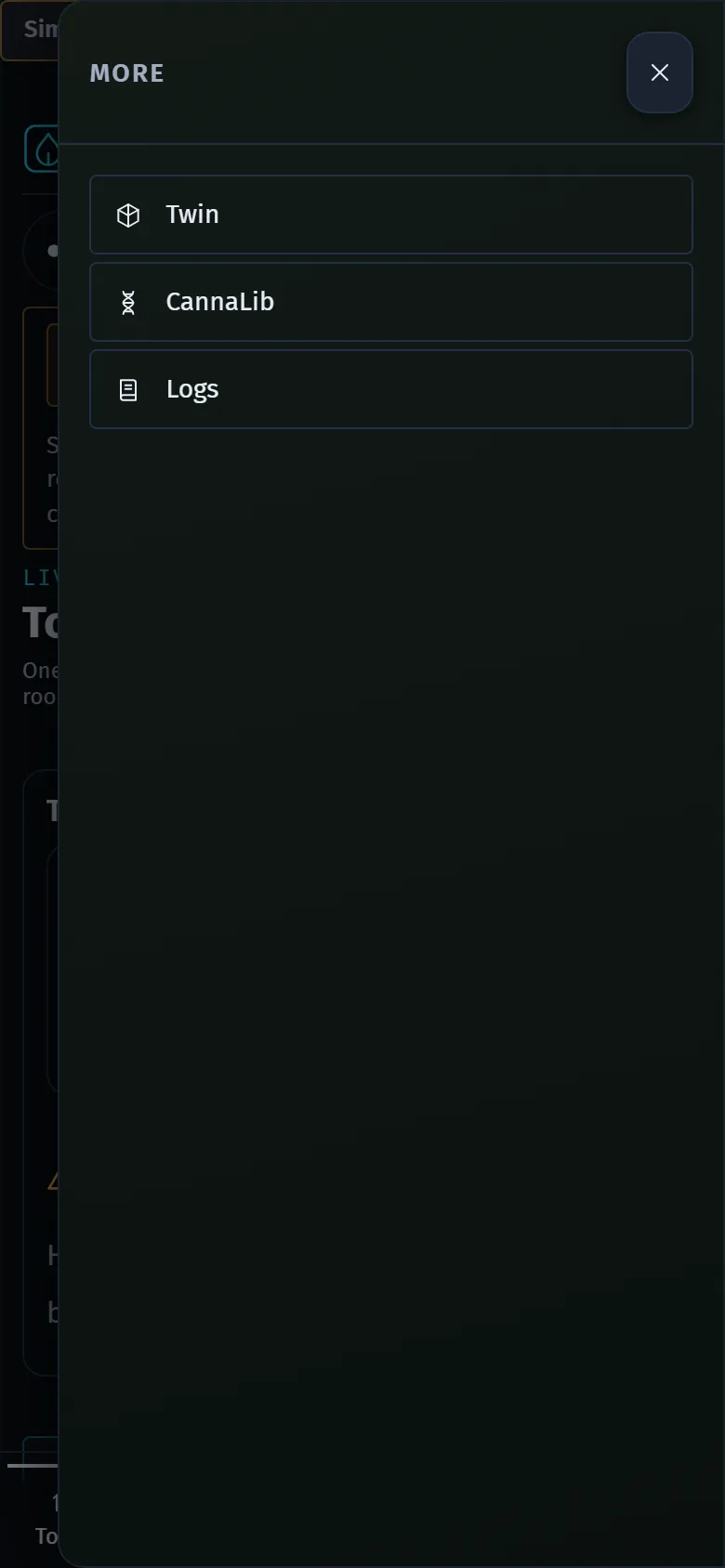
Settings is the fifth item in the main bar. On a phone the bar sits at the bottom, with a More button that holds Twin, CannaLib and Logs.
The three modes
| Mode | What it means |
|---|---|
| OLD | Today’s path acts. The planner computes nothing for this class. |
| The middle mode | Today’s path still acts. The planner works out and logs what it would do for this class. Nothing new is written to any device. |
| V2 | The planner drives the class. Today’s path stands down for it. |
Every class starts on OLD. A class with no change on record reads “Never flipped (reads Old)”. A second chip on each row says who acts: LEGACY or PLANNER V2. The row also says it in words: “Legacy path is doing it”, and, for a class in the middle mode, what the planner would do.
The header shows one summary chip: LEGACY when no class is on V2, MIXED when some are, and PLANNER V2 when all are. It adds “0 of 10 classes on planner v2” in the same way.
The ten classes
The screen lists them in risk order:
- 2x4 lamp (SF600, Tuya plug)
- Dome humidifier
- Heat mat
- 4x8 lamps (SF1000 plug + hub dim)
- Fans (exchange)
- Dehumidifier
- Heater
- Economiser (T5)
- Irrigation pump
- Portable AC
Rolling back
“Roll back to old” is on every row that is not on OLD. It is one tap and is never gated. “All classes back to old” does it for every class. The screen says: “Takes effect on the next tick; each class is confirmed by its own read-back below, never by the command.”
A rollback is never shown as done because the command was accepted. These are the lines you can see:
| Line | What it means |
|---|---|
| Rolling back: command sent, waiting for the brain’s read-back. | Waiting. The watch lasts up to 50 seconds. |
| Rolled back: the brain reads Old and the hub reads back “hub” on its output. | Done, for a class with hub outputs. Both the brain and the device have said so. |
| Rolled back: the brain reads Old and the old path picked this class up at 14:03:22. | Done, for a class without hub outputs. The old path was seen acting. |
| Unconfirmed: the brain reads Old, but ... | The brain has switched back, but nothing could confirm it. The line says what is missing. Check the device by hand. |
| Not applied: 1 of 4 hub outputs did not read back “hub”. | The brain is re-sending. The hub may still be taking orders from the brain. A red CRITICAL banner appears with “Retry rollback to old”. |
If the cut-over store cannot be read, the screen shows a CRITICAL banner. The brain treats every class as Old until it can be read.
What a class needs before the planner can drive it
“Move to v2…” stays disabled until the brain reports every proof and the kit’s operator has allowed that class. The button’s tooltip says what is missing. Under each class that is not on V2 you see “ready: 2 of 4 proofs” and the four proofs:
| Proof | What it needs |
|---|---|
| Observer present | For lamp classes: at least two usable light observers. If only one works, the line says so. Other classes: the brain publishes no observer count yet, so this reads unknown, which counts as missing. |
| Would-do entries recorded | The planner has logged at least one would-do entry for the class in the last 14 days. |
| A watched edge | Enough live changes seen by the planner: 6 for the lamps (three cycles), 20 for the dome humidifier, 10 for the heat mat, 20 per tent for the fans, 10 for the heater. The other classes have no threshold defined yet, so this reads unknown. |
| Agree rate | At least 10 comparisons, with at least 95 % agreeing with what the live path did. |
This evidence is stored by the brain, so a restart or an update does not reset it. It counts up from the day it began being kept, over a rolling window of 14 days. Two things are not counted at all: your sign-off, and a live rollback drill. The screen says so.
A class that gets every proof is still moved only by your own tap and a confirm step. The screen never moves a class by itself.
What the confirm step says
Choosing a move opens a short confirm. For the middle mode it says the planner starts computing and logging what it would do, the old path keeps acting, and nothing new is written to any device. For V2 it says the planner starts driving the class and the old path stands down. Both end with “To undo: Roll back to old, one tap, any time.”
What it would do, and what it is doing
On a class that is not on OLD, “What it would do” opens a log of the latest 20 entries with the time, the plan (ON, OFF or a level, or HOLD when the device already reads what the plan wants), the reason, and what it expects to see and within how many seconds. On a class on V2 the same link reads “What it is doing”, and each entry shows COMMANDED until the device confirms it.
Not recorded yet
- Your sign-off for a class. The brain has no sign-off store yet.
- The hub firmware’s own would-do flips. The brain does not publish them yet, so none are shown.
Raw ids are only in a collapsed Details line. Nothing on this screen is typed. Every choice is a button.