
DSC-BRAIN USER GUIDE · CONTENTS
Using the dashboard
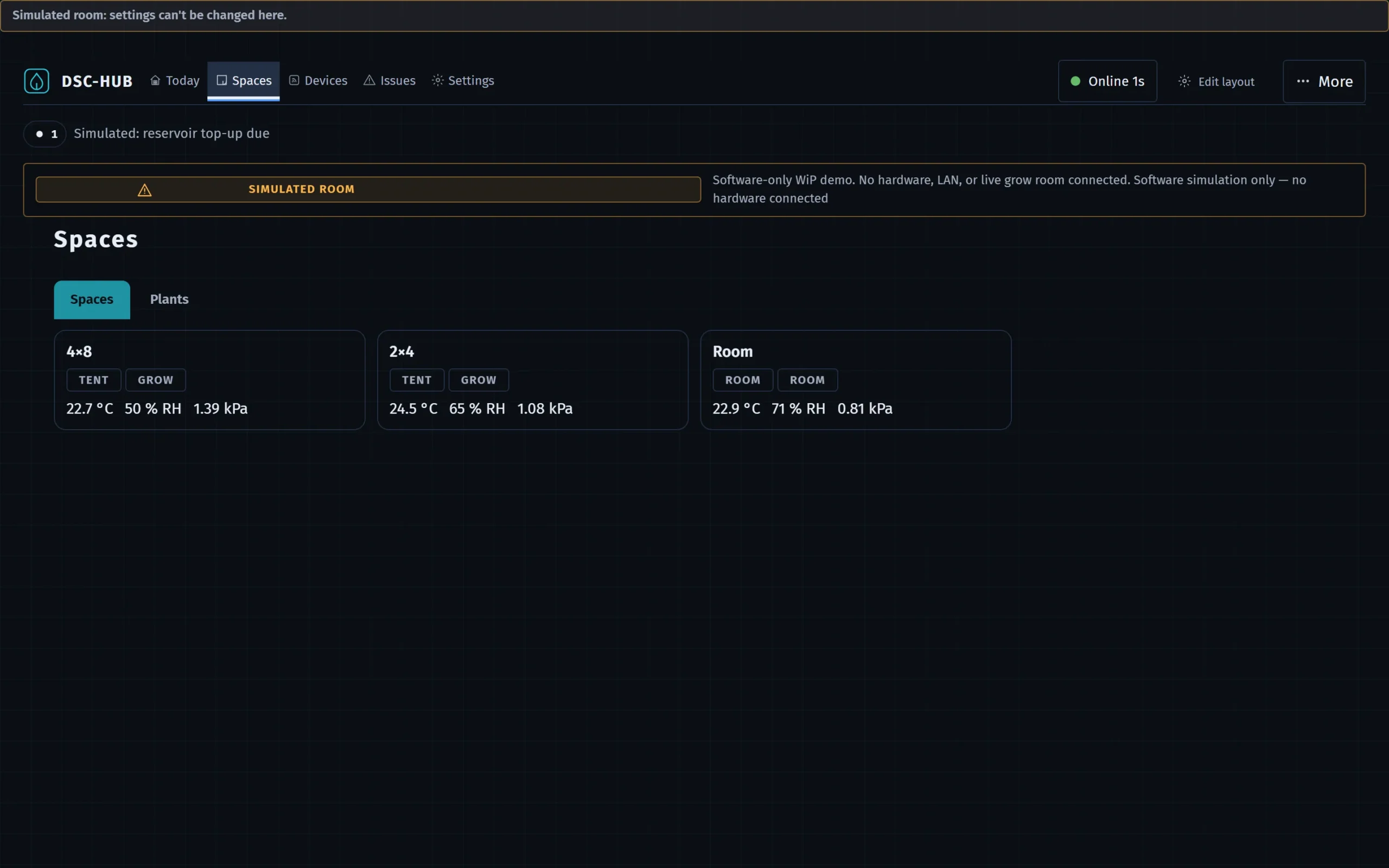
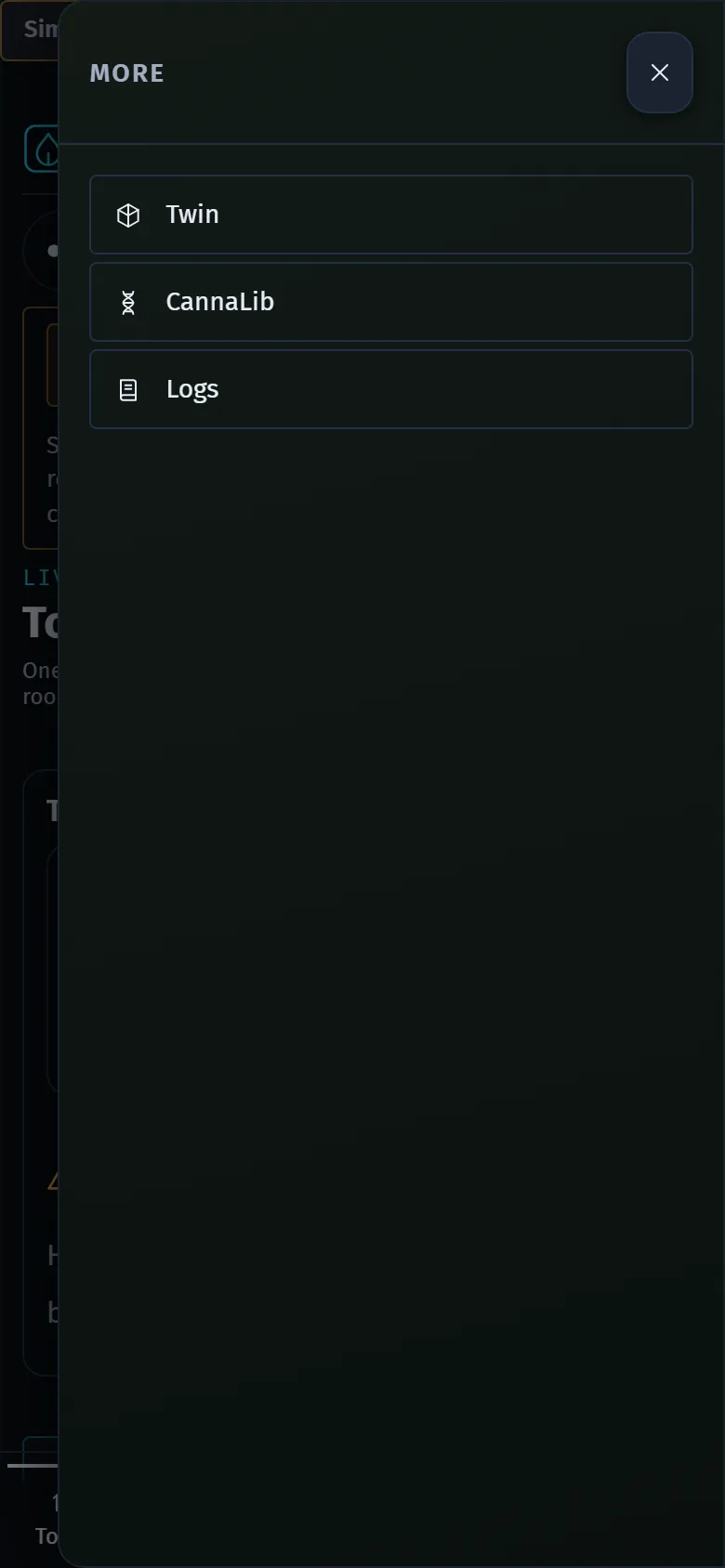
From 9.8.9 the top bar has five items: Today, Spaces, Devices, Issues and Settings, with a small More sheet. This section keeps one page per screen, in the order a grower meets them, and several pages still carry their older desk names because those screens are still there. Each page opens with what the screen is for and what you can do on it. If you are not sure which screen holds a control, start with Navigation: it has a table of common tasks and where to do them.
● verified for 9.0.0 · corrected for 9.8.9 on 2026-10-01
● first mirrored 2026-09-15
● 86 pages · 9 sections
On this page
Find your way around and watch the room
- 01Navigation: the five items and MoreThe five items in the top bar, the More sheet, the space pages, the phone bottom bar, the Issues icon and where Settings lives.
- 02TodayThe landing screen, formerly the Overview desk: mission line, one card per zone, the Overnight panel, kit pulse and what each chip on a zone card means.
- 03Climate desk — Room and TentCommand (who drives, Take over, strategy, priority tent), the room umbrella, air path, fan duty, equipment tiles, Zigbee by role, pressure and VPD history; the Tent cockpit.
Root zone, light and plants
- 04Root deskPer-plant root zone: moisture, soil temperature, EC, pH, dry-back, the heat mat, irrigation shots, the soil test wizard and runoff trays.
- 05Light deskTwo tents, two clocks: photoperiod windows, Got vs Want hours, the SF1000 lamp, sunrise and sunset, manual light hold, catch-up, the DLI estimate and the PPFD map.
- 06Plants — Roster and ComposeAdd a plant in five steps, the ten-slot roster, assign / detach / delete, stages and the flip date, the harvest window.
- 07CannaLib deskBrowse strains, mediums, nutrients and lights; the three strain tiers and how to read provenance.
Records and alerts
- 08Logs desk — journals, grow log, compare and trendsThe full journal browser: plant / tent / room / Core scopes, the entry composer with typed actions and photos, edit, highlight, compare two scopes, trends around an event, and reminders.
- 09IssuesThe Issues screen, formerly the Alerts desk: issues by tier, acknowledge and snooze, away mode, the rules panel, reminders, and the 24 h history filter.
Kit, twin and cameras
- 10Devices and the Kit deskThe Devices screen, and the Kit desk it replaces in the top bar. Kit pulse and in-service toggles; the fan-airflow Learning session (Phase A/B); the Calibrate flows for fan CFM, light curve, tank bias, lab wet cal, soil test and soft cal.
- 11Twin desk (3D room)The room live in 3D: lenses and layers, camera and looks, the phone still and 2D plan, picking and control, what-if and proposals, replay, placements, the measured room, runs and layout drafts.
- 12Cameras — viewing frames and timelapsesWhere camera frames show up, the viewer, timelapse assembly, retention, plant regions and canopy cover, and camera photos in the journals.
Devices, timed runs and upkeep
- 13Devices: classes, ports and placementWhat each row on the Devices screen says, what a device class is, and how the brain learns where each end of a device goes.
- 14Add a deviceThe seven steps for adding a device, each a pick from what the brain already knows, ending with a proof that the device reacts.
- 15The model inspectorHow sure the brain is about each part of its model of your kit, and the few things it still asks you for.
- 16Timed runs: Run for a whileRunning one device for a short, picked time: the picker, the quick buttons, space actions and what each result line means.
- 17Maintenance, calibration, health and snoozeThe short record each device page keeps: health, maintenance, calibration, the recurring test and the rules for snoozing.
- 18Issues: the one iconThe single icon that counts what needs a look, and the Issues screen that explains each item and what to do.
DSC-Brain user guide · edited on this site · Using the dashboard